
Download MightyMonitor Widget – Battery‑monitoring widget for Mac Bluetooth devices
Overview
MightyMonitor Widget is a lightweight, Mac‑only dashboard widget that gives you real‑time insight into the battery status of your Mighty Mouse and Apple wireless keyboard. If you’ve ever been caught off‑guard by a dead mouse or an unresponsive keyboard in the middle of a project, this tool removes the guesswork by displaying two clear dials that change colour as the charge drops. The widget lives on your macOS Dashboard (or Today View on newer systems) and updates automatically, so you never need to open System Preferences or check the Bluetooth menu.
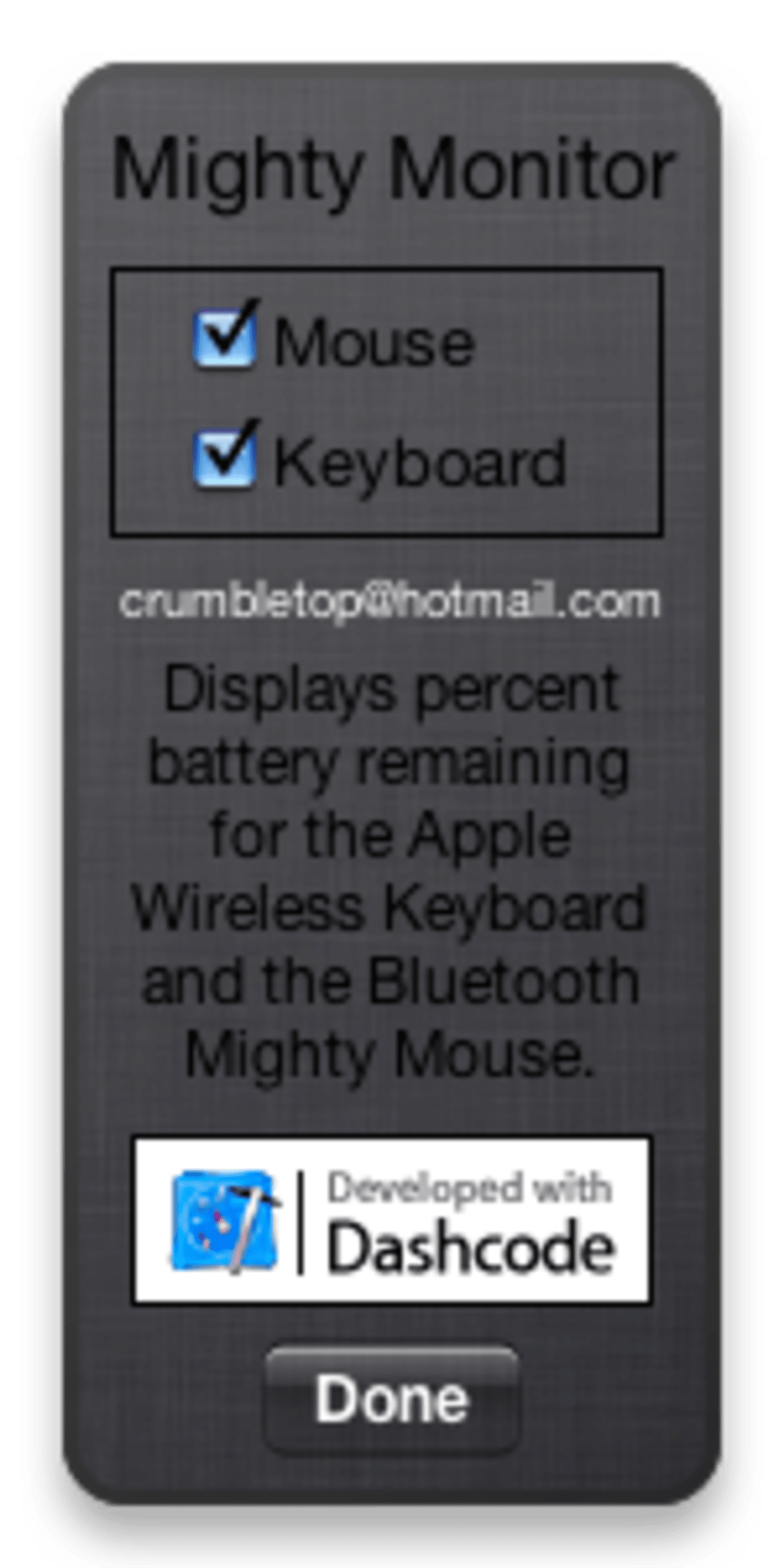
While it focuses exclusively on Apple’s own Bluetooth peripherals, the simplicity of its design makes it an indispensable companion for anyone who relies on a wireless mouse or keyboard for daily work. The only configuration option is a toggle to hide either the mouse or keyboard monitor if you only use one device. Although it doesn’t yet support third‑party Bluetooth accessories, the precision and visual clarity it offers for Mighty Mouse users is unrivaled.
The widget is free, secure, and updates silently in the background, ensuring that you always have an accurate picture of your devices’ power reserves without any extra hassle.
Key Features and Benefits
- Live battery level dials for Mighty Mouse and Apple wireless keyboard.
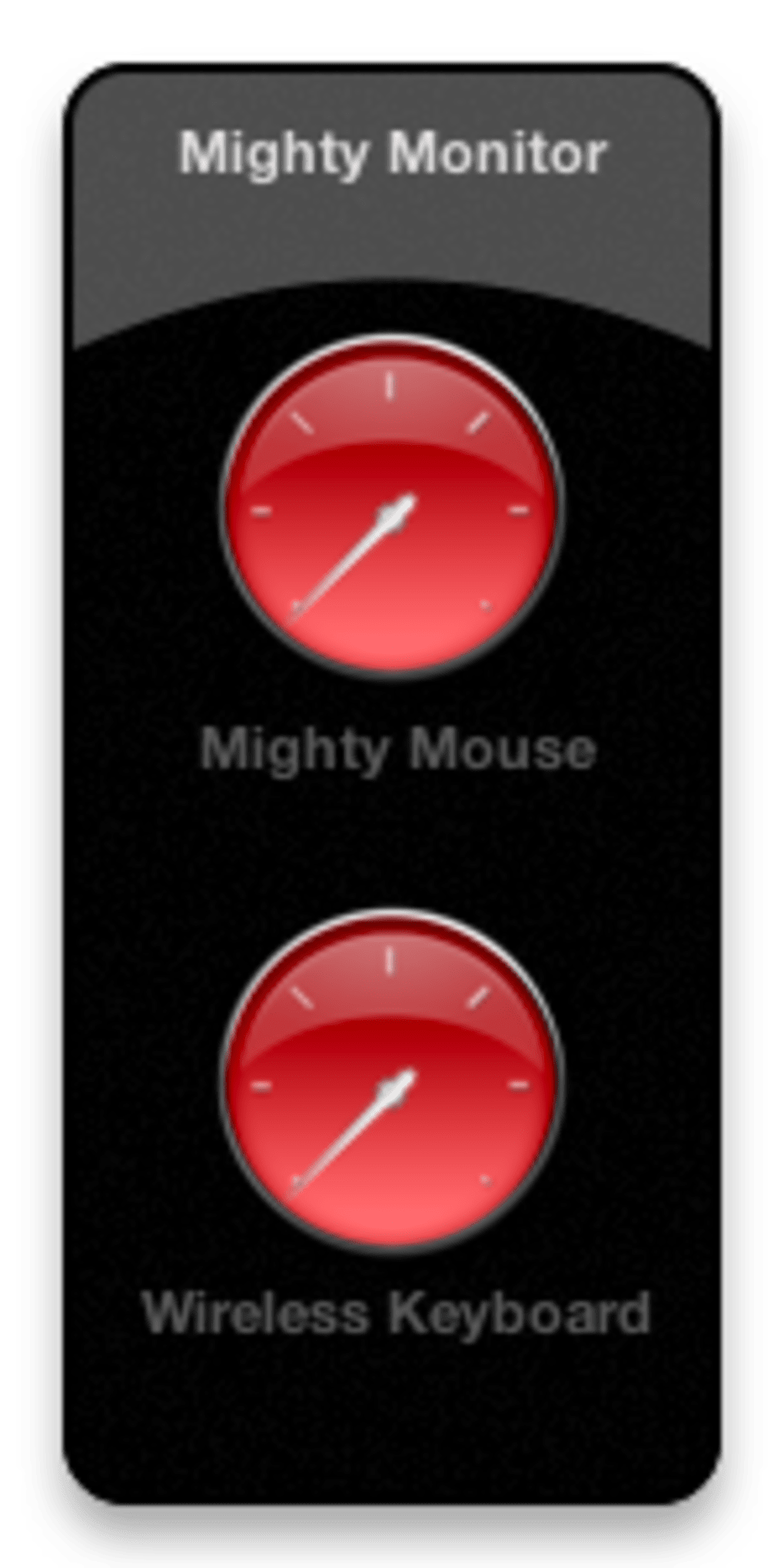
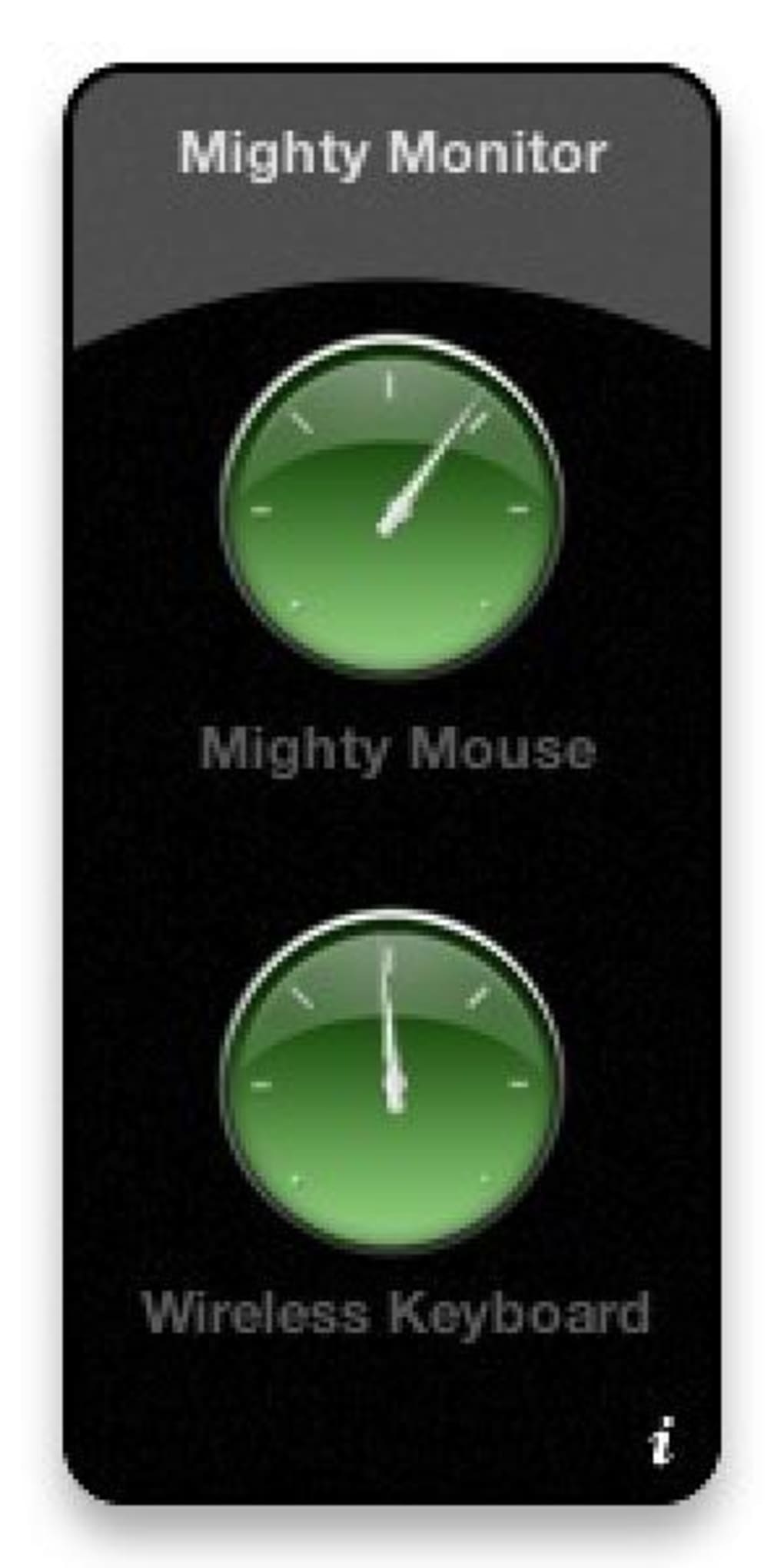
- Colour‑coded alerts – green (full), yellow (medium), red (low) – for instant visual cue.
- Minimalist dashboard widget that occupies negligible screen space.
- Automatic refresh every few seconds; no manual polling required.
- Simple on/off switch for each device monitor.
- Free to download, with no hidden fees or ads.
- Secure code signing by the developer; safe for macOS Gatekeeper.
Pros
- Instant, glanceable battery information saves time.
- Zero‑configuration setup – works out of the box.
- Low CPU and memory footprint; won’t slow down your Mac.
- Visually appealing design matches macOS aesthetic.
- Free and regularly updated for compatibility with newer macOS releases.
Cons
- Supports only Mighty Mouse and Apple wireless keyboard – no third‑party devices.
- No custom alerts (sound or notification) beyond colour change.
- Dashboard widgets are deprecated on macOS Big Sur and later; requires Today View.
Installation & Usage Instructions
Getting MightyMonitor Widget up and running is straightforward, even for users with limited technical experience. Follow these steps:
- Download the package: Click the “Download MightyMonitor Widget” button below the article or visit the official developer site. The file is a compressed
.zipcontaining the widget bundle. - Extract the widget: Double‑click the
.zipfile; macOS will automatically unzip it to a folder namedMightyMonitor.wdgt. - Install: Drag the
MightyMonitor.wdgtfile onto your Dashboard (or open System Preferences → Extensions → Today Widgets on newer macOS versions) and drop it into the widget area. - Enable the widget: If using Dashboard, open it (press F12 or swipe with three fingers) and click the plus sign to add MightyMonitor. In Today View, scroll to the bottom of the Notification Center, click “Edit”, then add MightyMonitor from the list.
- Configure: Click the gear icon on the widget to open the preferences pane. Here you can toggle the mouse or keyboard monitor on or off, depending on which devices you own.
- Use: Once added, the widget will display two circular dials. The outer ring shows the mouse battery; the inner ring shows the keyboard battery. Colors shift from green to yellow to red as the charge depletes, giving you an at‑a‑glance status.
The widget runs silently in the background and updates every 30 seconds. No additional permissions are required beyond the standard access to Bluetooth devices, which macOS already grants to system utilities. If you ever need to remove the widget, simply drag it out of the Dashboard or deselect it in the Today View edit menu.
Compatibility, Pros & Cons Recap, and User Review
MightyMonitor Widget is designed exclusively for macOS. It works on macOS 10.9 Mavericks and later, including Catalina, Big Sur, Monterey, and Ventura. While Dashboard was officially removed after macOS Catalina, the widget continues to function as a Today View widget on newer releases. Users on macOS 11 (Big Sur) or later should add it via the Notification Center’s widget gallery.
Overall Rating: 4.5/5
Review Summary: MightyMonitor Widget delivers exactly what it promises – a clear, low‑overhead battery monitor for Apple’s wireless peripherals. Its simplicity is both its strength and its limitation; power users who need alerts for multiple Bluetooth devices will look elsewhere, but anyone who primarily uses a Mighty Mouse and Apple keyboard will find it indispensable. The visual cues are intuitive, and the widget stays out of the way while remaining instantly accessible. Frequent updates keep it compatible with the latest macOS changes, and the free price tag makes it a risk‑free addition to any Mac workflow.
Frequently Asked Questions
Does MightyMonitor Widget work on Windows or Linux?
No. MightyMonitor is a macOS‑only widget built with Apple’s Dashboard/Today View framework, so it cannot be installed on Windows or Linux systems.
Can I monitor third‑party Bluetooth devices like a Logitech mouse?
Currently the widget only reads battery information from Apple’s Mighty Mouse and the Apple wireless keyboard. Support for other brands is not planned for the near future.
Is there a way to receive a sound alert when the battery is low?
MightyMonitor relies on colour changes for low‑battery warnings. It does not include sound or notification alerts, though you can pair it with macOS’s built‑in Battery notifications for a more comprehensive solution.
How often does the widget refresh the battery status?
The widget polls the Bluetooth device every 30 seconds, providing near‑real‑time updates without noticeable impact on system performance.
Is MightyMonitor Widget safe to download?
Yes. The developer signs the widget with an Apple‑approved certificate, and the download is hosted on a reputable site. macOS Gatekeeper will verify the signature before installation.
Final Verdict & Download
For anyone who depends on a Mighty Mouse or Apple wireless keyboard, MightyMonitor Widget fills a niche that macOS itself does not address directly. Its instant visual feedback, minimal resource usage, and zero‑cost price make it a practical addition to any Mac workflow. While the lack of support for third‑party devices and the absence of audible alerts may disappoint power users, the core functionality is rock‑solid and reliable. If you’re tired of surprise battery failures that interrupt your work, installing MightyMonitor Widget is a quick, secure, and free solution that will keep you one step ahead.







